Flacbox Alternatives for iPhone (2026)
Product facts link to official sources. Prices are dated US storefront observations; check the current listing and purchase screen before buying, including Trove.
A Flacbox replacement should match your formats, storage and audio controls. Flacbox already covers lossless playback, cloud/NAS sources and offline downloads. Evermusic is from the same developer, EVERAPPZ SL, but the feature sets differ; switching can make sense if its workflow suits you. Compare an actual album and the controls you use before moving a library. Trove is our own alternative, with free local playback and optional one-time Pro features.
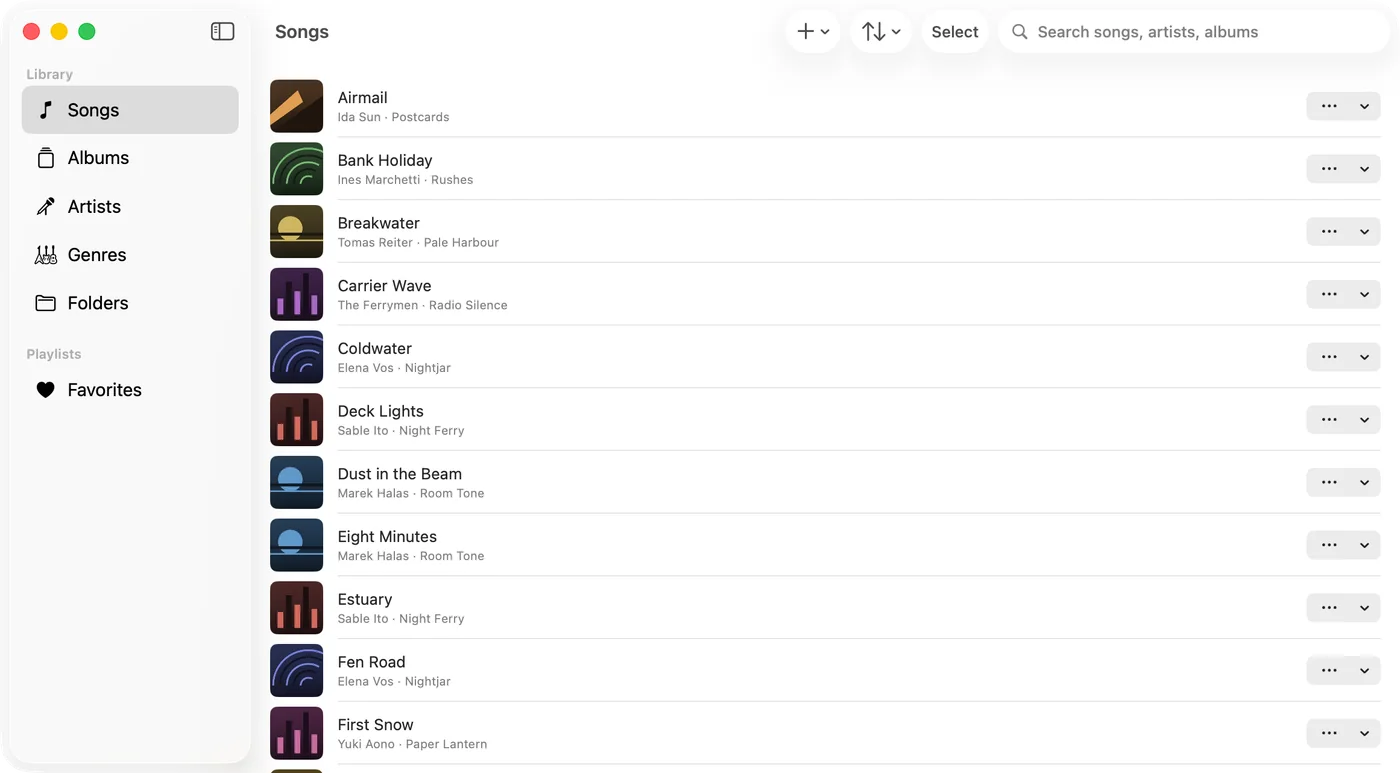
What Flacbox already provides
Flacbox’s official product page lists iPhone/iPad and Mac versions and shared Premium access via iCloud. The US iOS listing documents FLAC/DSD, DSP controls and network sources. It is free with advertising; Premium is US$2.99 monthly, US$19.99 yearly or US$69.99 lifetime, checked 21 October 2026. iOS/iPadOS 15.5+ is required; check the separate Mac download for compatibility. A lifetime purchase removes the need to choose a subscription, but test the free tier against your needs first.
Choose by the workflow
| Player | Useful requirement | Check before switching |
|---|---|---|
| foobar2000 | Free local and network playback; separate Mac app | Official iOS changelog documents artwork, SMB and WebDAV. Version 2.26 rewrites much of the iOS UI in SwiftUI. Check compatibility for the exact build; older-device releases differ. |
| Doppler | Imported local music and file transfer between Mac and iPhone | US iPhone listing: Doppler 3 US$9.00, iOS 26+. Doppler Transfer moves files/playlists; Mac playback is a separate purchase. Do not equate import with a built-in NAS browser. |
| Neutron | Detailed audio processing | Official DSP features include parametric EQ and crossfeed. Check its current platform, price and supported network workflow before purchase; no claim here that its DSP is uniquely best. |
| Trove | Local listening and optional SMB/WebDAV plus Watch transfer | Local playback and Files/Wi-Fi imports are free. Pro is US$9.99 once (US storefront), covering Apple devices on the same Apple Account. Music libraries remain separate. |
Where Trove fits, and where it does not
Trove needs iOS 17+ or macOS 14+. SMB/WebDAV sources, Watch transfer, smart playlists and file tag write-back require Pro; supported write-back formats and system requirements vary. Synced lyrics display and local FLAC playback are free. Watch plays transferred local songs offline and cannot browse a NAS. This is a workflow choice, not proof of equal DSP, format or component support across these players.
Version scope: the comparison was checked against 1.9 on 21 October 2026. A separate US iOS and Mac App Store check on 27 October confirms 2.2 on both platforms. Google Drive file selection and MEGA playback shipped in 2.0 with Pro. Drive uses an explicit picker, not whole-drive folder browsing. Trove provides no cloud storage and no direct Dropbox, OneDrive, Box, Yandex or FTP connector. Evermusic/Flacbox may fit better if those connectors are essential.
Try one album before moving
- Keep original files and an independent backup before deleting any app or ending a storage plan.
- Test your actual formats, artwork, lyrics and offline behavior. Artwork support does not guarantee identical browsing or lyrics features.
- Check playlists, ratings and play counts separately: app databases do not automatically travel with audio files. Trove tag editing does not promise to export another app’s play history.
- If starting from a NAS, use the NAS download walkthrough and verify an explicit local copy before disconnecting. Compare features, pricing and FAQ before paying.
Try Trove on your own library
Free to download. $9.99 once for WebDAV, SMB, Apple Watch sync and four more — on Mac, iPhone, iPad and Apple Watch from the one purchase, and nothing renews.